one click and the wholegame feels different
 @valleiqqRoblox player · five stars
RBXGLOW / ONE-CLICK SHADER / WINDOWS
A single switch for richer light, cleaner edges, and a more cinematic Roblox session. No preset maze—press once, restart, play.
Windows · Chrome / Edge · reversible from the extension
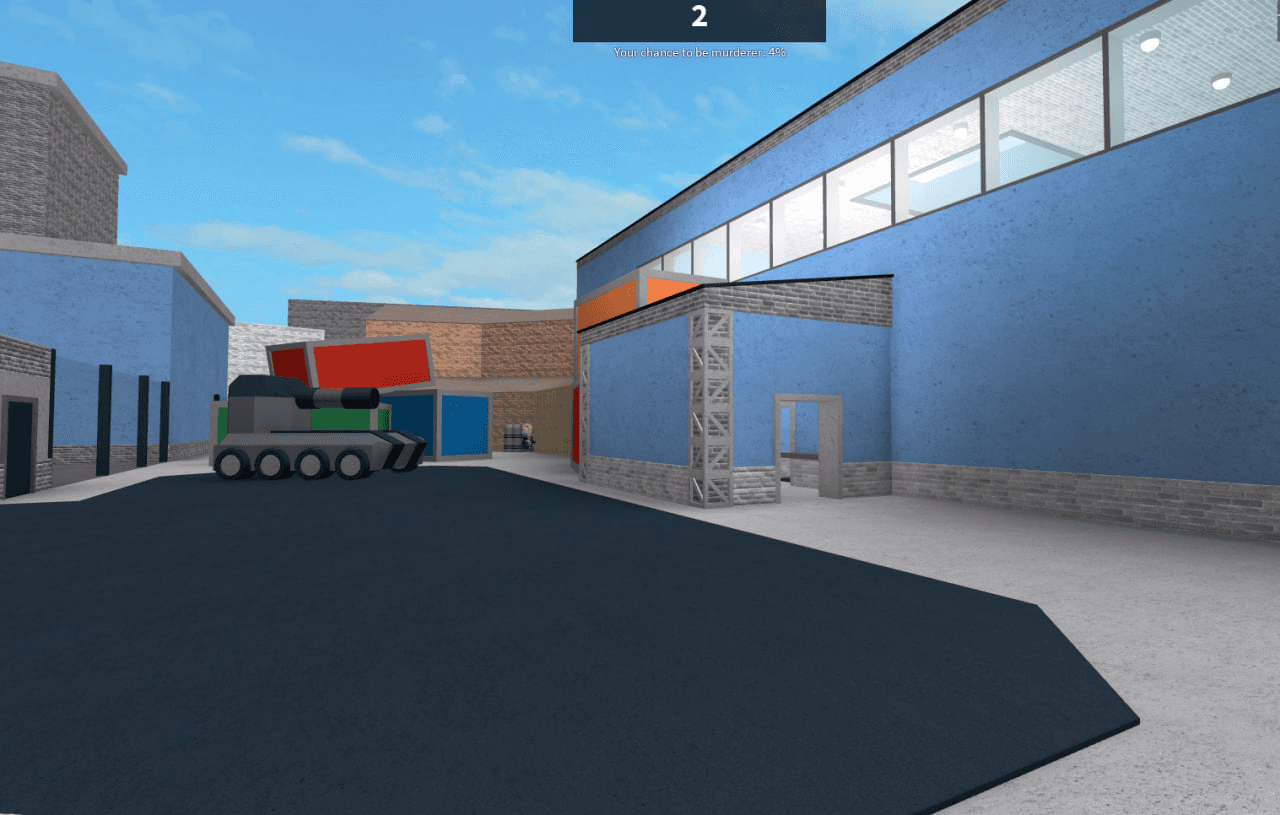
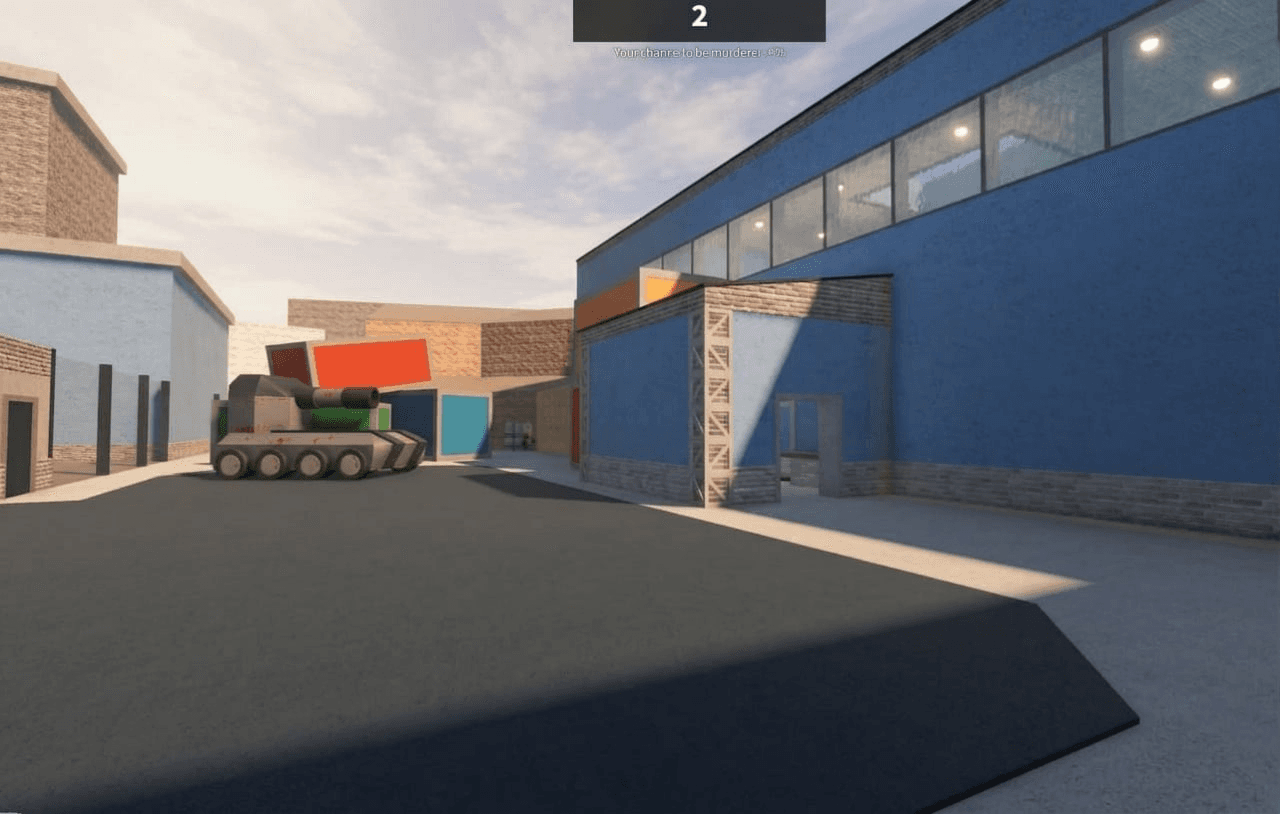
One button.
A different atmosphere.
Six shader captures from players—different maps, lighting, and moods with RBXGLOW active.
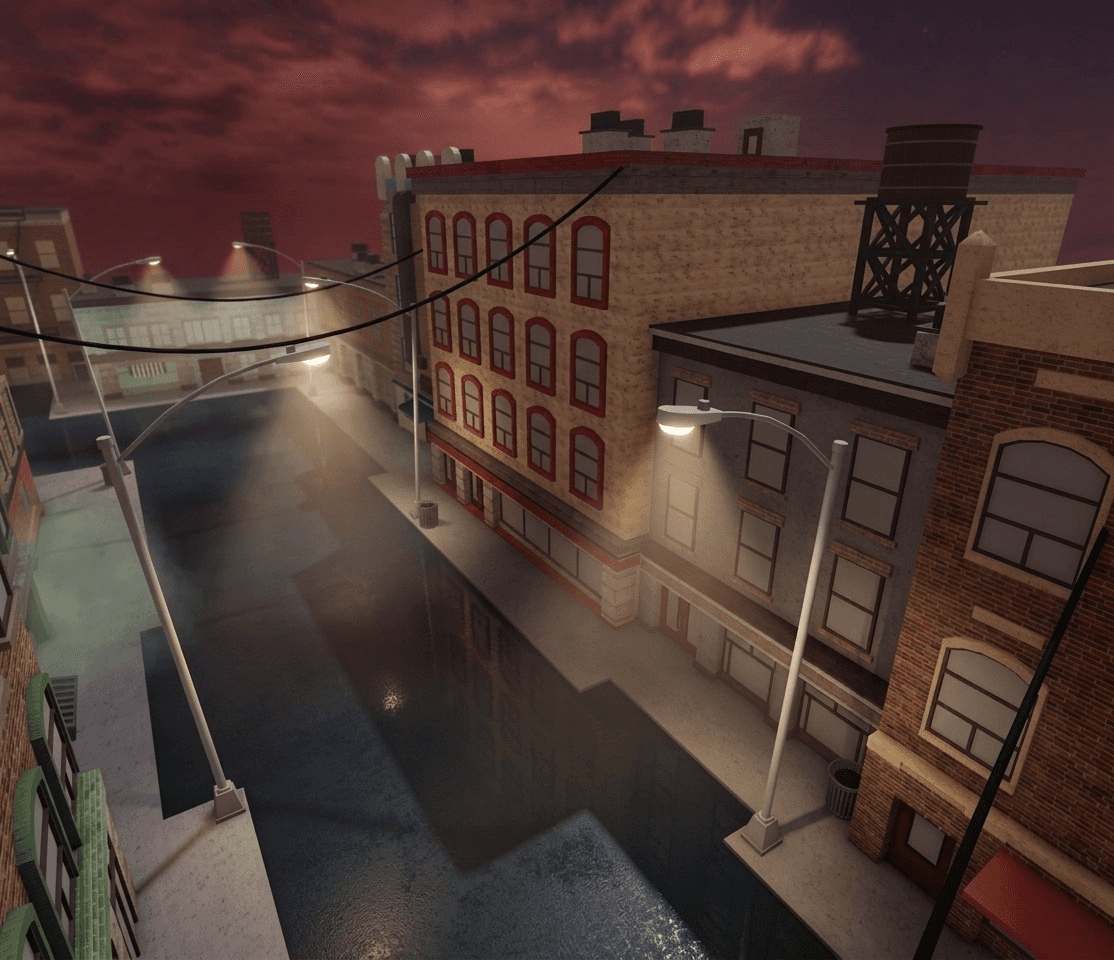
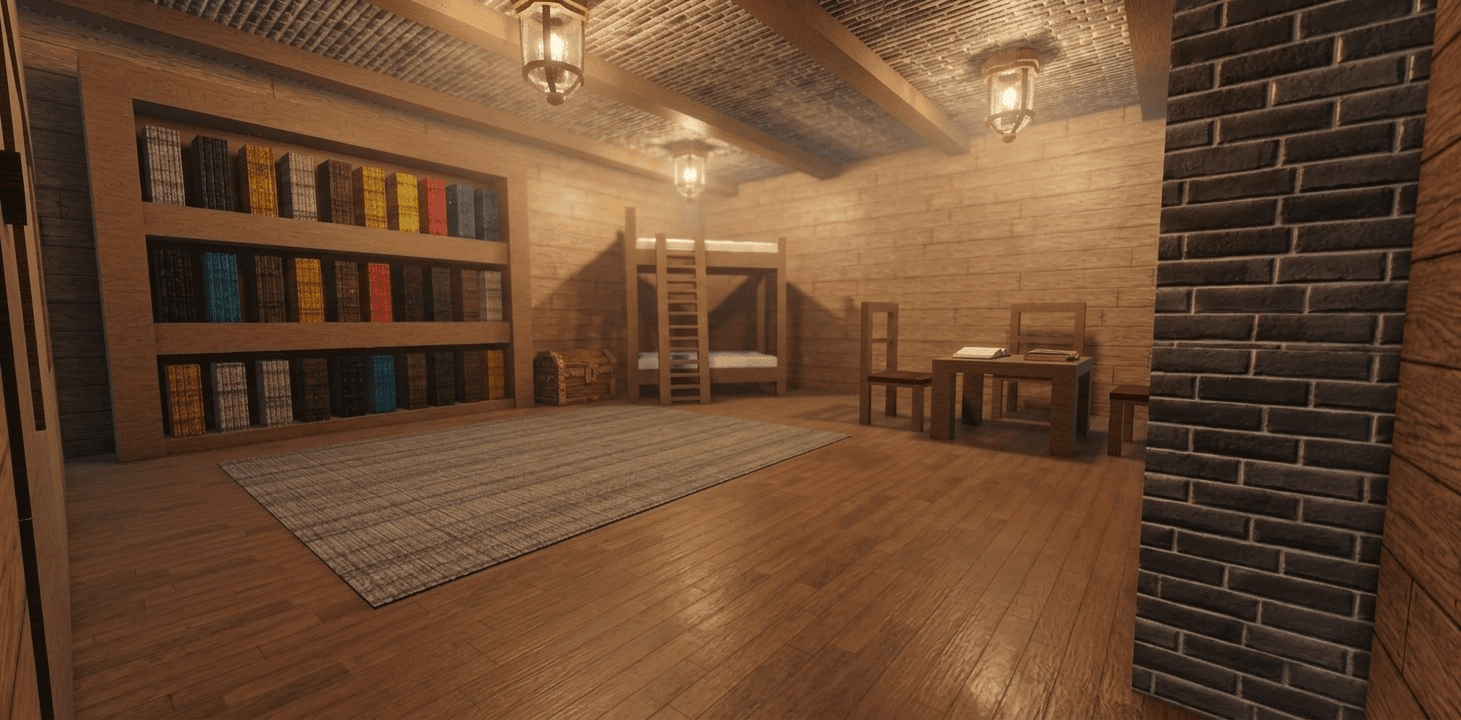
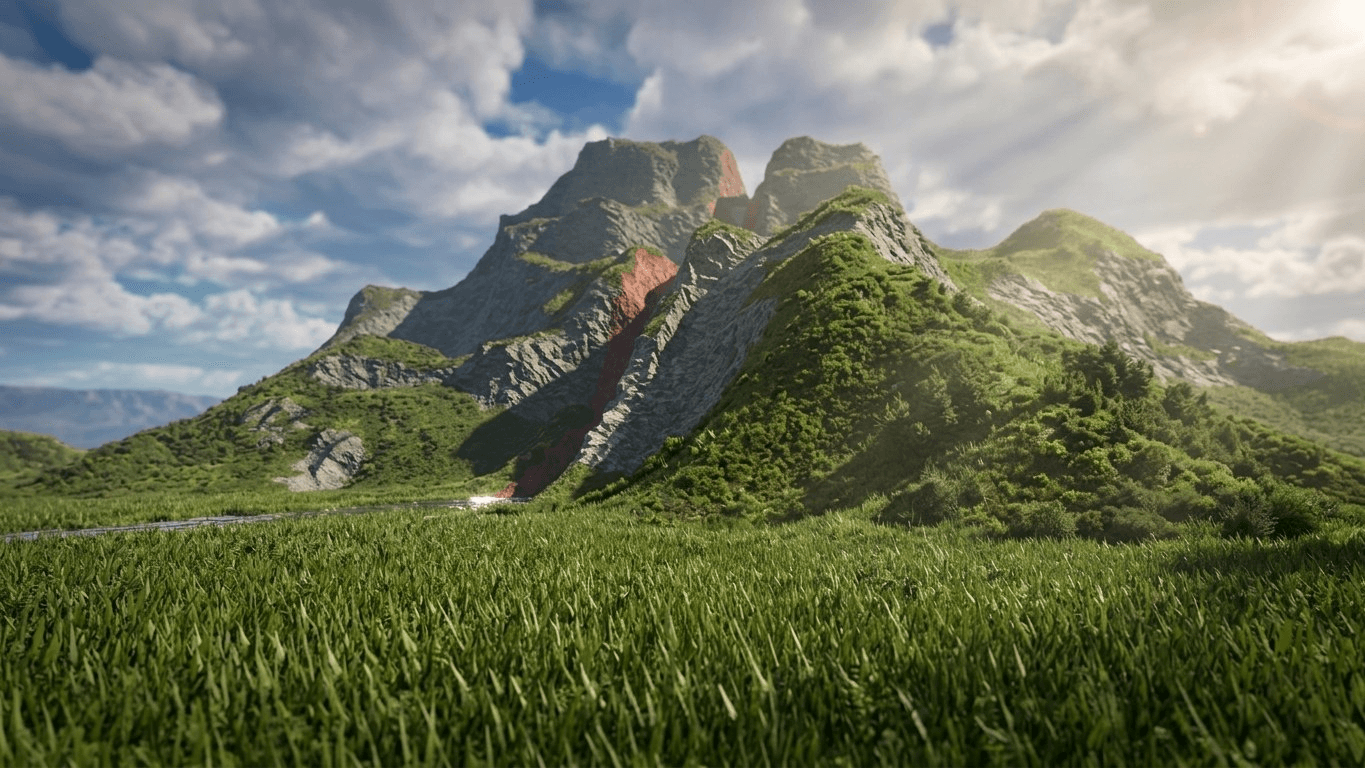
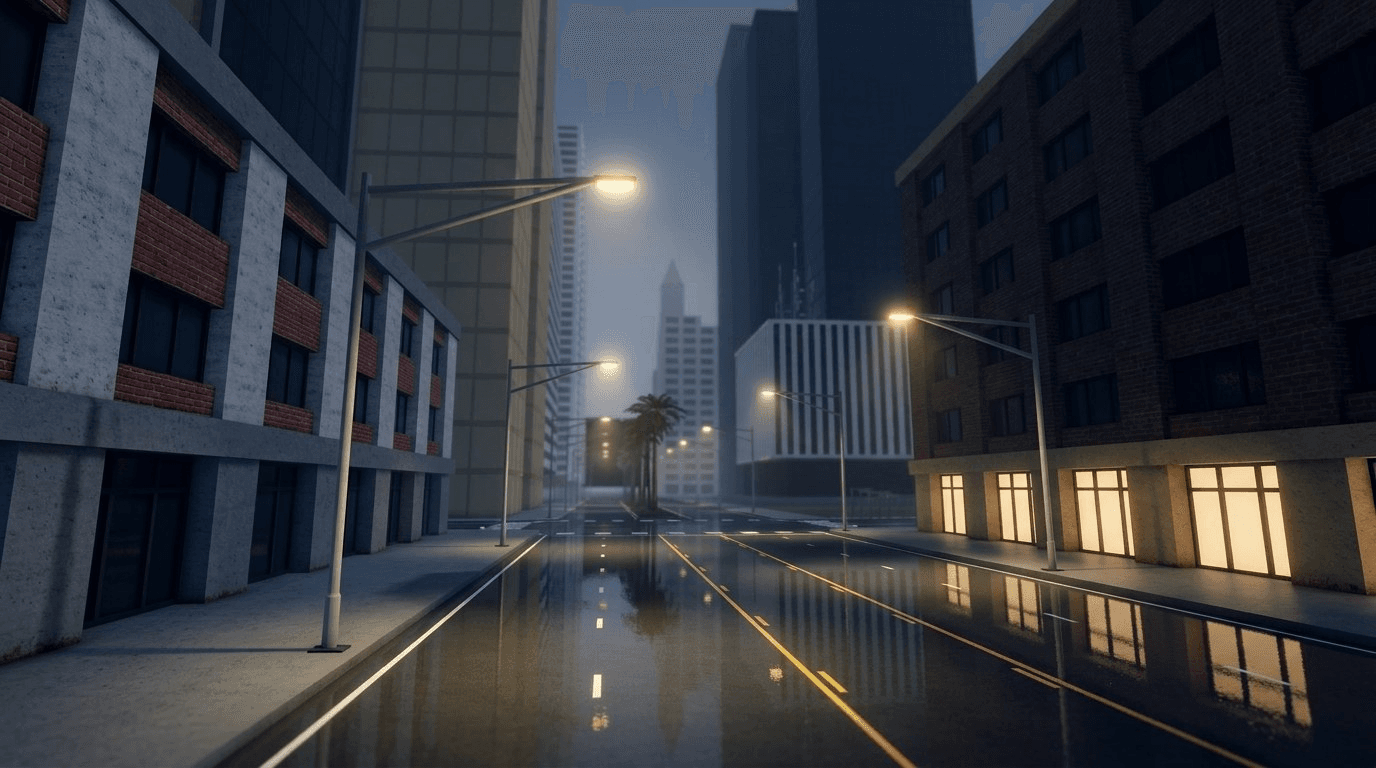
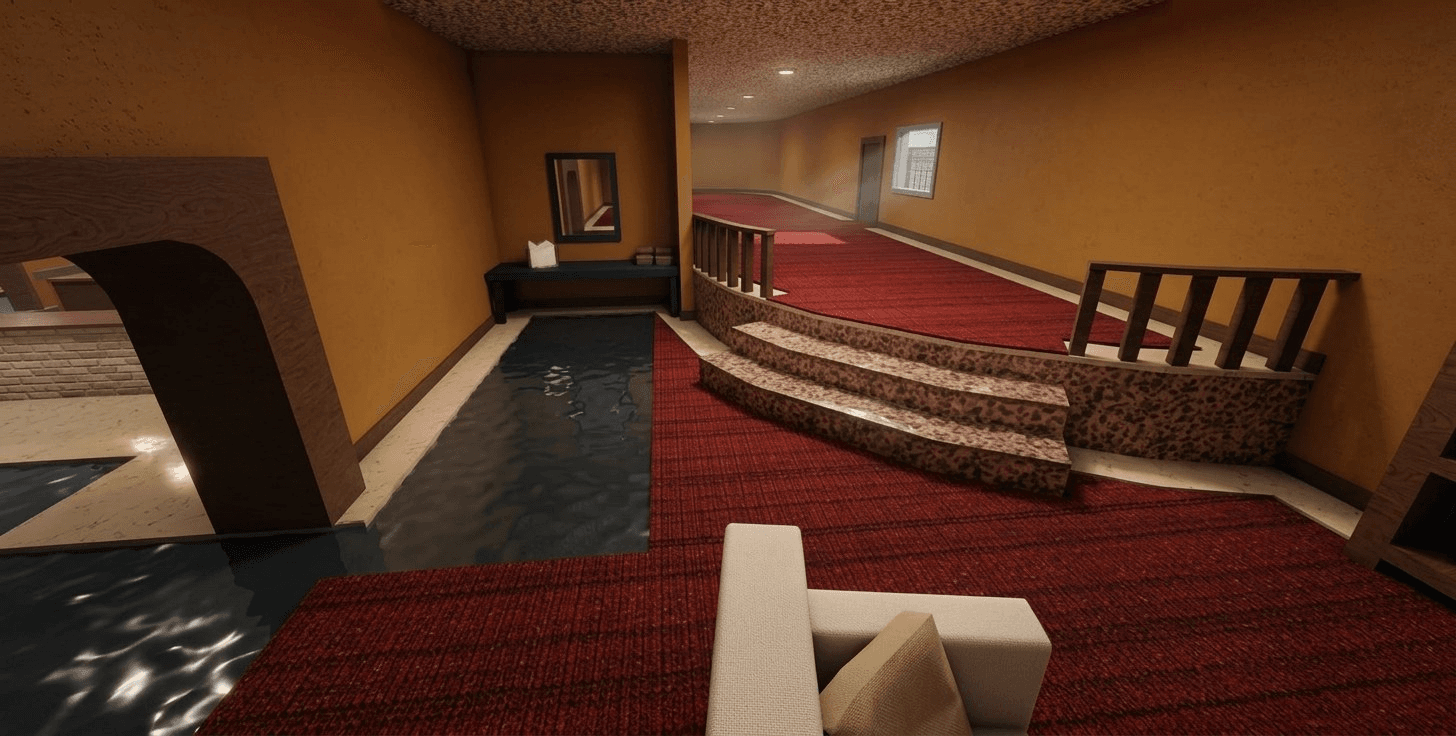

Open the extension, press Apply Shader, then relaunch Roblox. The status panel tells you when the shader is ready.
Close Roblox before applying. Relaunch when complete.
Everything is controlled from the extension. Download the file, add it to your browser, then activate the shader in one click.
Download RBXGLOW, open your browser's Extensions page, and drag the downloaded file onto it.
Open RBXGLOW, select the Shaders tab, and close Roblox before activation.
Press Apply Shader, then relaunch Roblox when the extension says it is ready.
Shader feedback from players using RBXGLOW in their Roblox sessions.
one click and the wholegame feels different
@valleiqqRoblox player · five stars
simple and it doeswhat i wanted
 @Xepiq4541Roblox player · five stars
the lighting looksso much better now
 @AqqvaHolderMM2 player · five stars
loaded first try,the reflections are so good
 @kytyrewsRoblox player · five stars
No. RBXGLOW writes an allowlisted local graphics configuration to Roblox ClientSettings. It does not attach to the game process or replace game files.
Yes. RBXGLOW keeps your previous graphics settings and restores them when you press Disable.
Roblox reads these graphics settings at launch. Restarting is the predictable way to make the shader active.
Open the extension and press Apply Shader again if the effect is no longer active after an update.